Production Scheduling & MRP
Finite-capacity scheduling, drag-drop Gantt, master production schedule, pegging, MRP action messages, and rough-cut capacity planning — the planning engine your print farm has been missing.
Route work, model capacity
Routing + WorkCenter data drives every schedule
Routing Editor
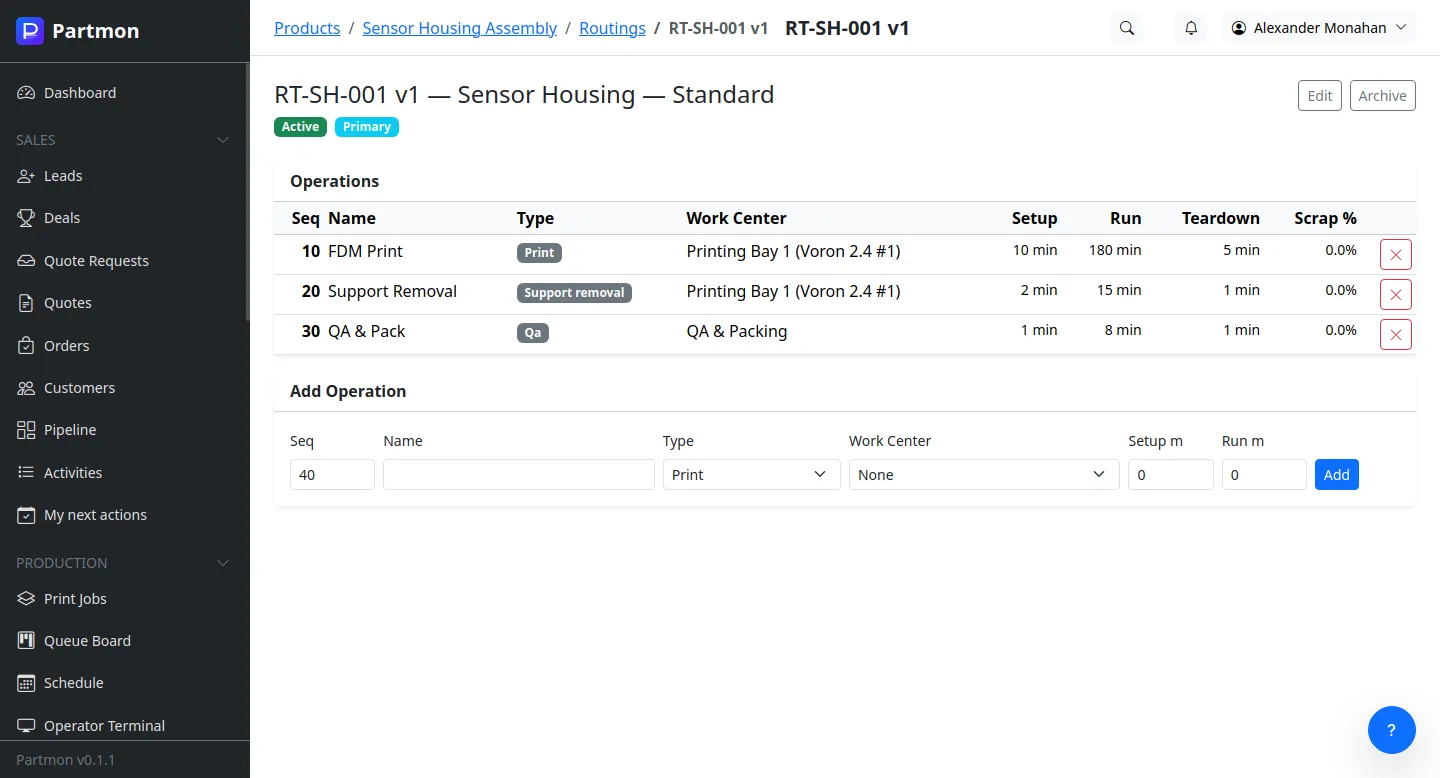
Define the step sequence for every part — operations, setup times, run times per unit, and the work center each step runs on.
Work Centers
Printer cells, post-processing stations, QA benches. Each work center has a capacity, an efficiency factor, and a labor cost.
Calendars & Shifts
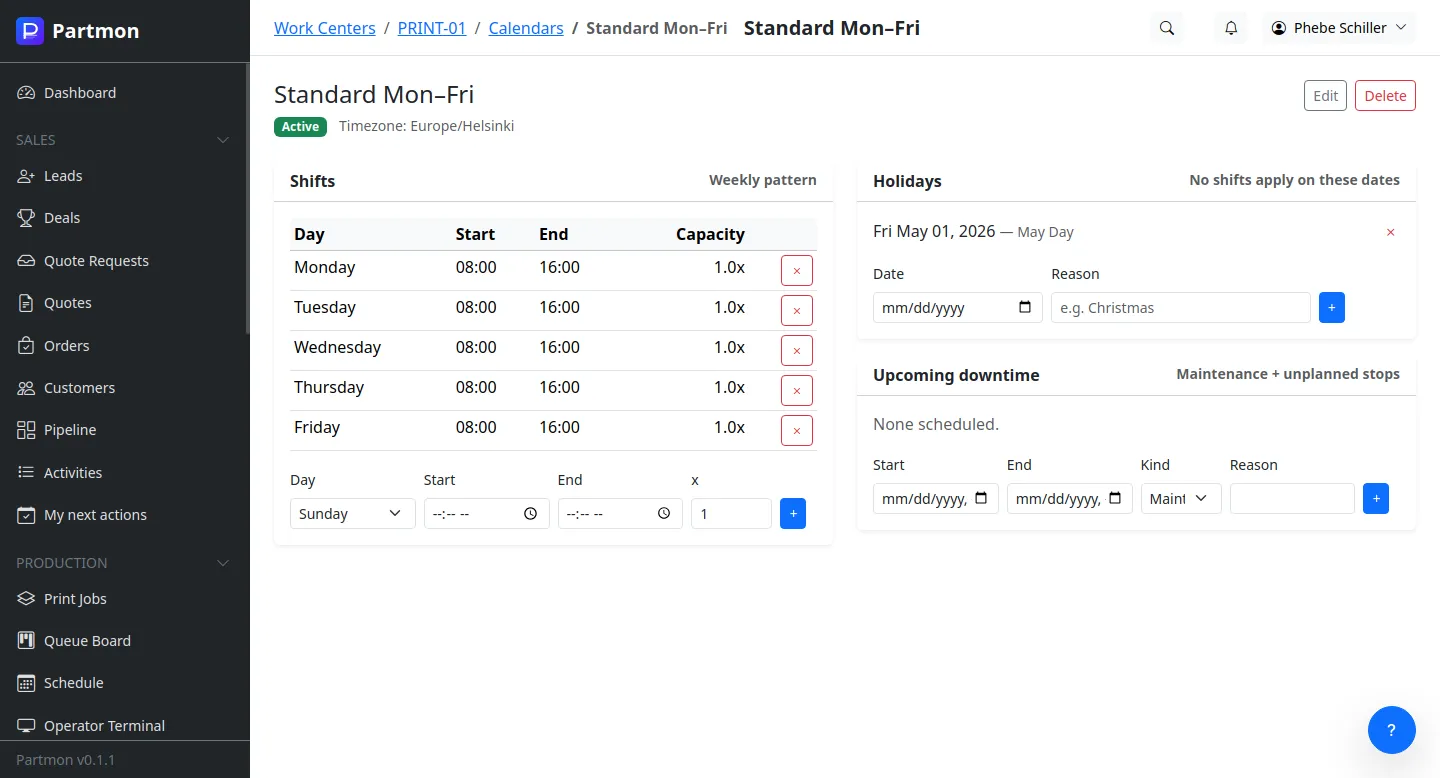
Per-work-center working calendars — shifts, holidays, planned downtimes. No more scheduling work into a closed facility.
Tool & Operator Skills
Operations can require specific tools and operator certifications. The scheduler respects them automatically.
Alternate Routings
Define primary and alternate routings per part. Switch routings when equipment is down or a faster path opens up.
Byproducts & Co-Products
Operations that produce scrap, reclaim, or co-products are modelled explicitly — so MRP and cost both get the right numbers.
MPS, MRP, and ATP — in plain English
Plan the schedule, peg the demand, message the buyer
Master Production Schedule
Weekly MPS view with firm orders, forecast, and planned production — so everyone sees the same plan.
ATP & CTP
Available-to-promise and capable-to-promise answers when sales asks "can we commit to this date?" — with real capacity data behind the answer.
Demand Pegging
Trace every supply order back to the demand it covers. Know which customer's order a purchase order or print job is for.
MRP Action Messages
An inbox of planner actions — release, reschedule in, reschedule out, cancel. The planner works a queue, not a spreadsheet.
Safety Stock & Reorder
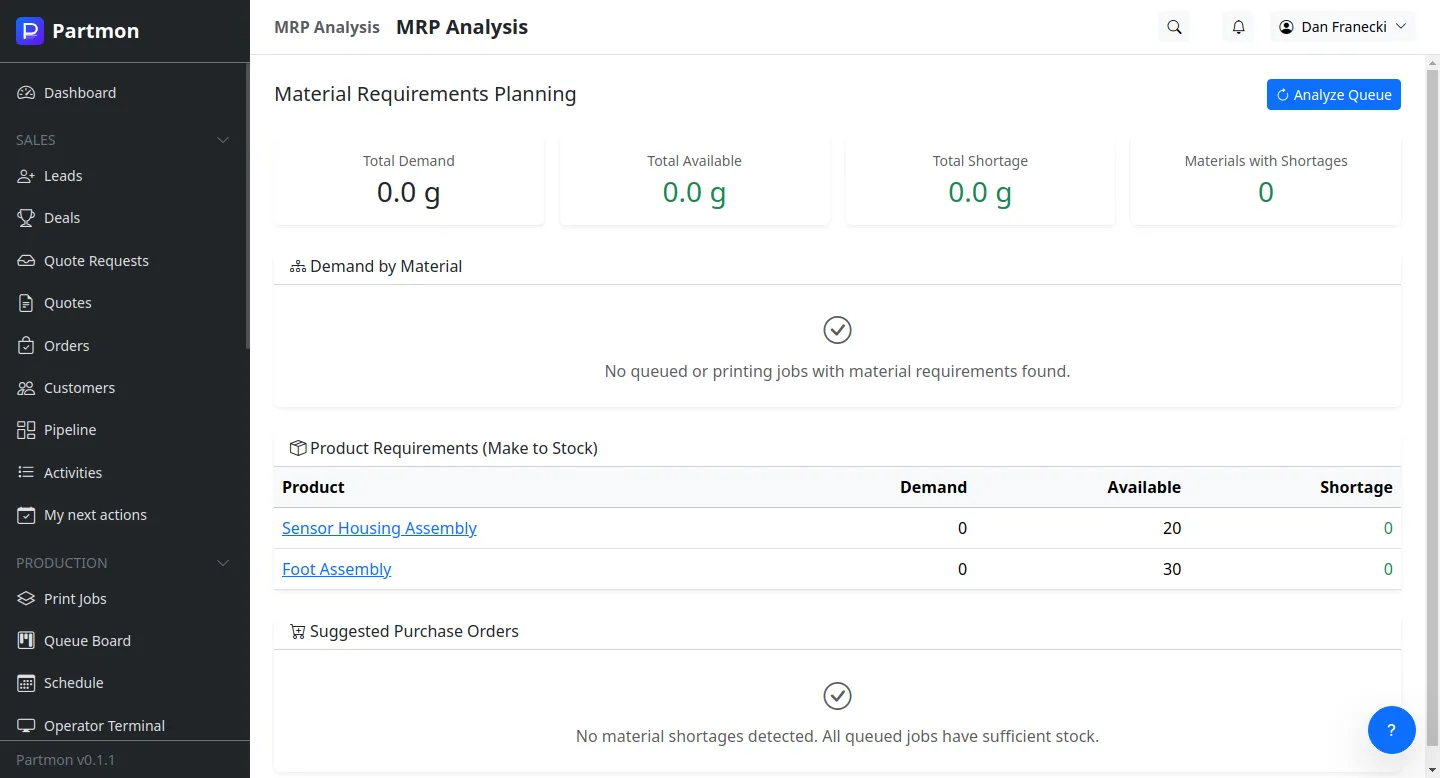
MRP respects safety stock, lot sizing rules, and planned lead times when generating purchase and production suggestions.
Alternate Parts
Shortage of primary? MRP checks BOM alternates before recommending new procurement.
Finite capacity, visible bottlenecks
Schedule within the hours you actually have
Finite-Capacity Scheduling
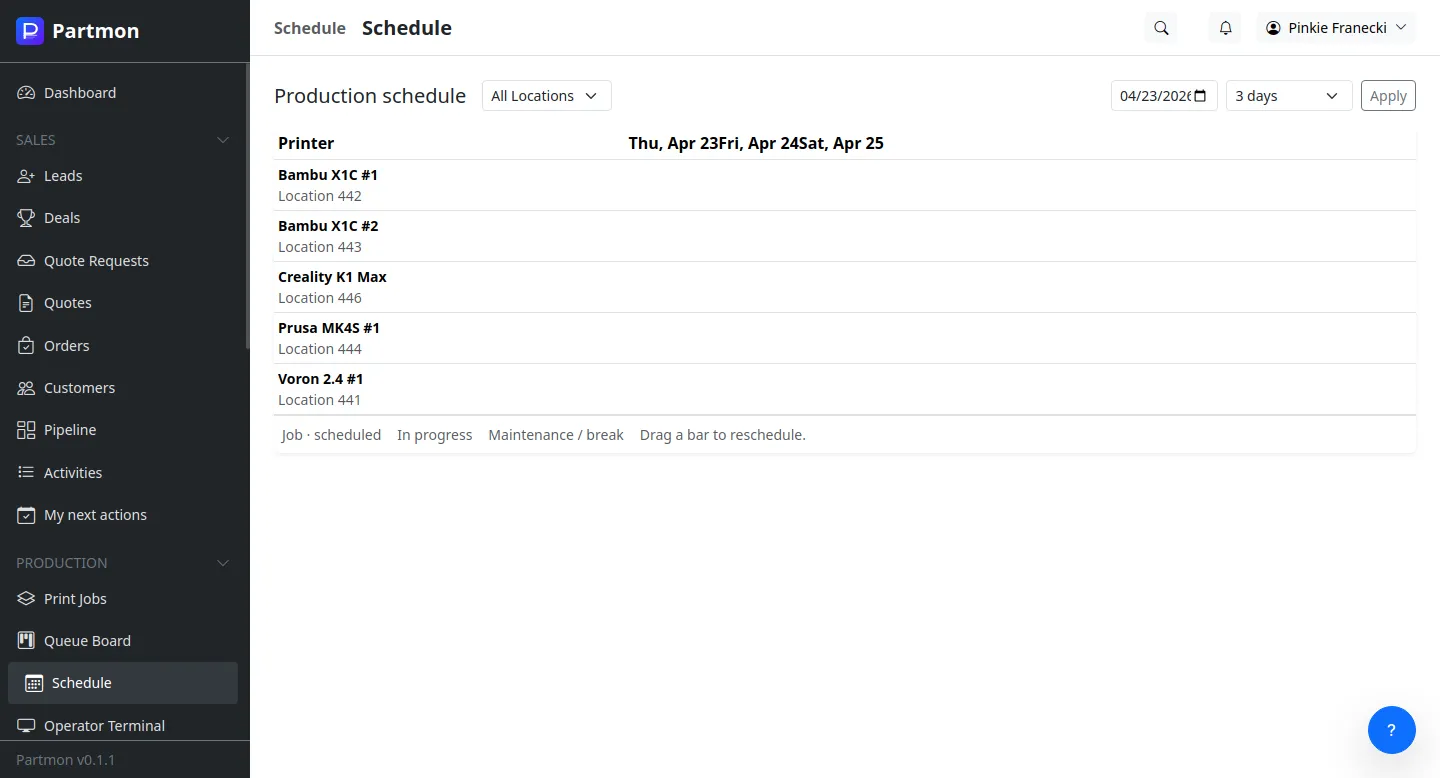
The scheduler never commits more hours than a work center can deliver in its calendar. Overloads are flagged, not hidden.
Drag-Drop Gantt
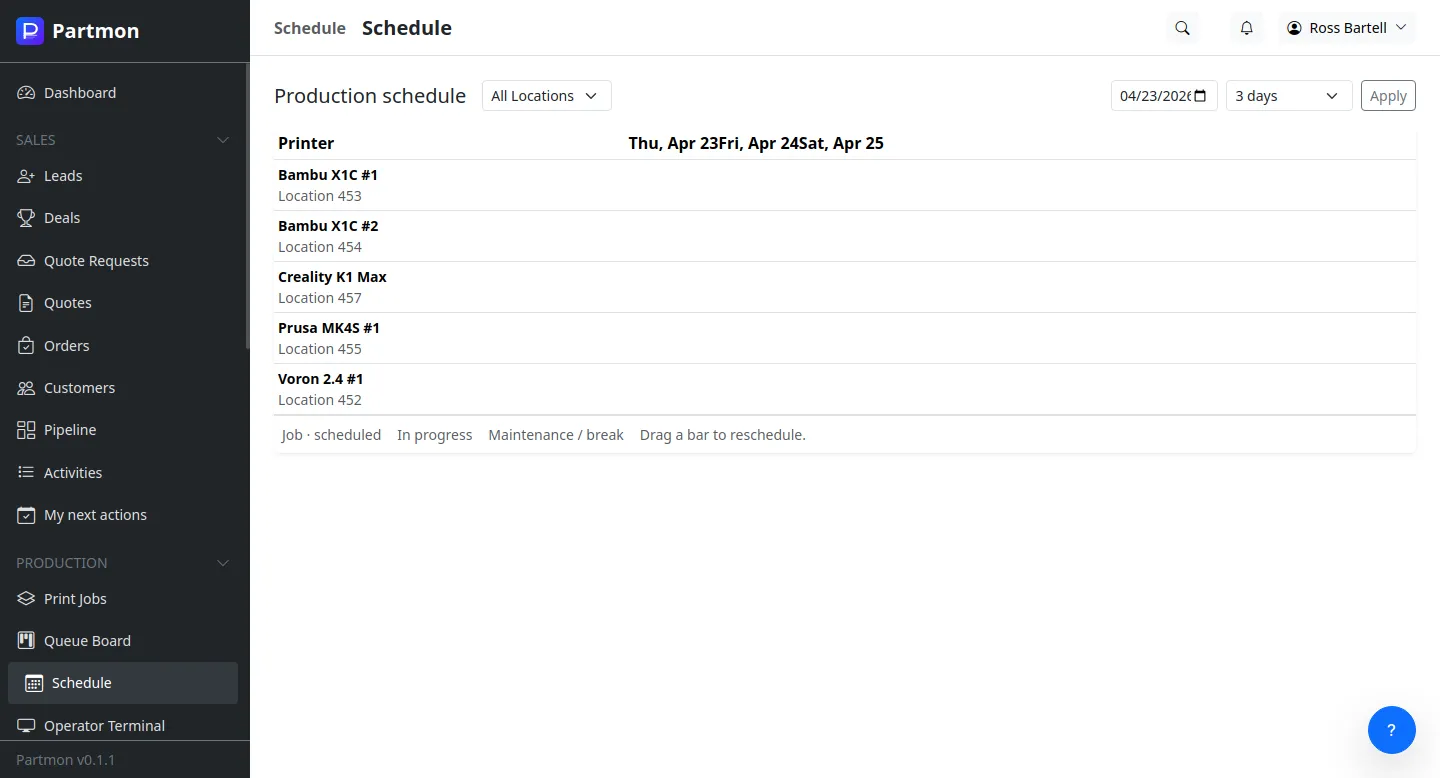
Reschedule an operation by dragging it. Dependencies ripple automatically — downstream steps and downstream orders both update.
Rough-Cut Capacity
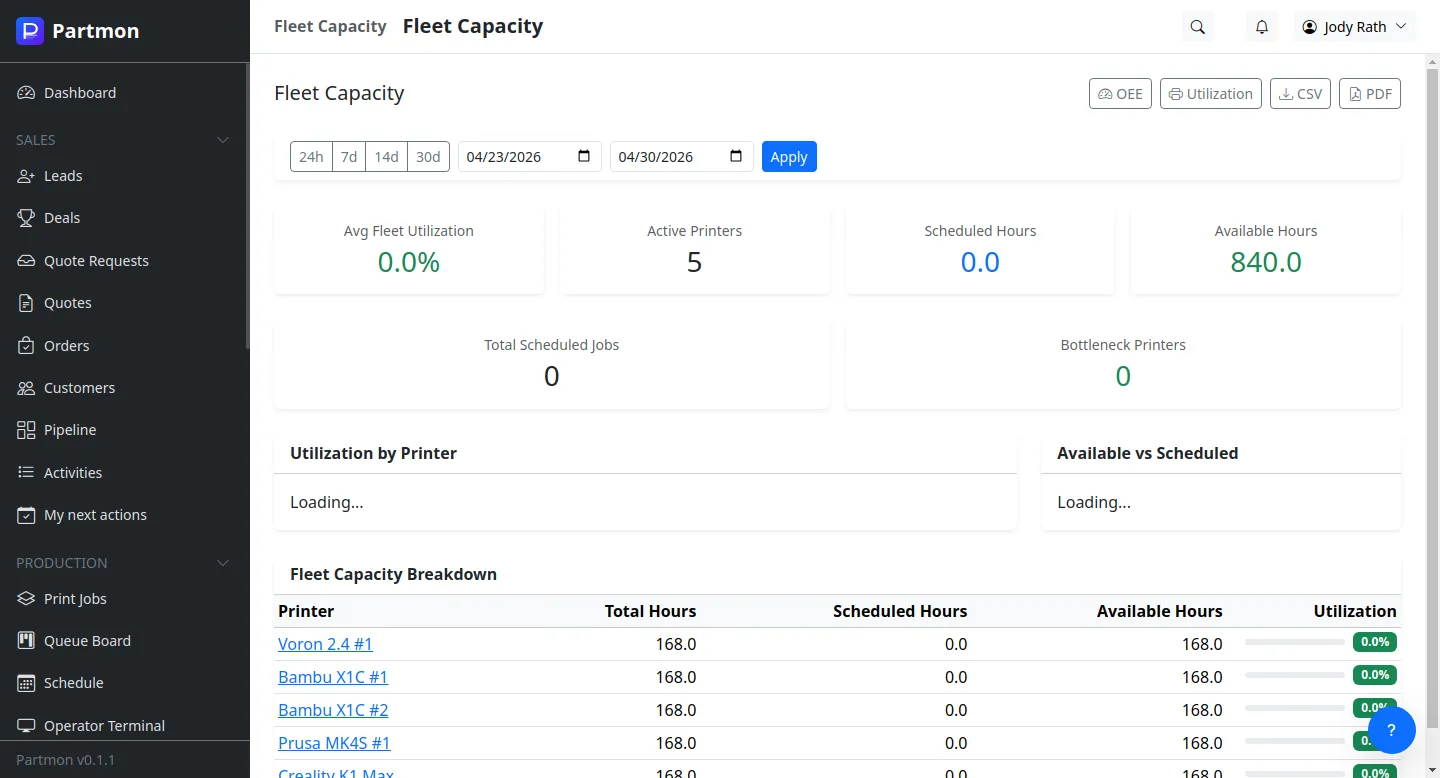
RCCP projects capacity demand against capacity supply by work center, by week. Bottlenecks are visible weeks ahead.
Bottleneck View
Highlight the constraint work center in red. Planners see where to buy overtime, shift load, or add a shift.
Load Leveling
Shift non-critical jobs forward or back to smooth peaks. The Gantt shows the before and after.
Scenario Planning
Run what-if scenarios without committing. Compare baseline vs. proposed vs. aggressive and promote the winner.